Overview#
A browser-based piano practice app with four training modes, built to support my Learning to Play Piano at 70 project. It connects to a MIDI keyboard and uses real Steinway piano samples for audio feedback.
The Four Trainers#
- Note Trainer — Sight-reading drill. A note appears on the staff; play it on your MIDI keyboard. Supports treble clef, bass clef, or auto-switching mode.
- Interval Trainer — Identify musical intervals by ear.
- Song Trainer — Load a MusicXML file and practice with playback or wait-for-me mode. Adjustable tempo, note highlighting on the score and virtual keyboard.
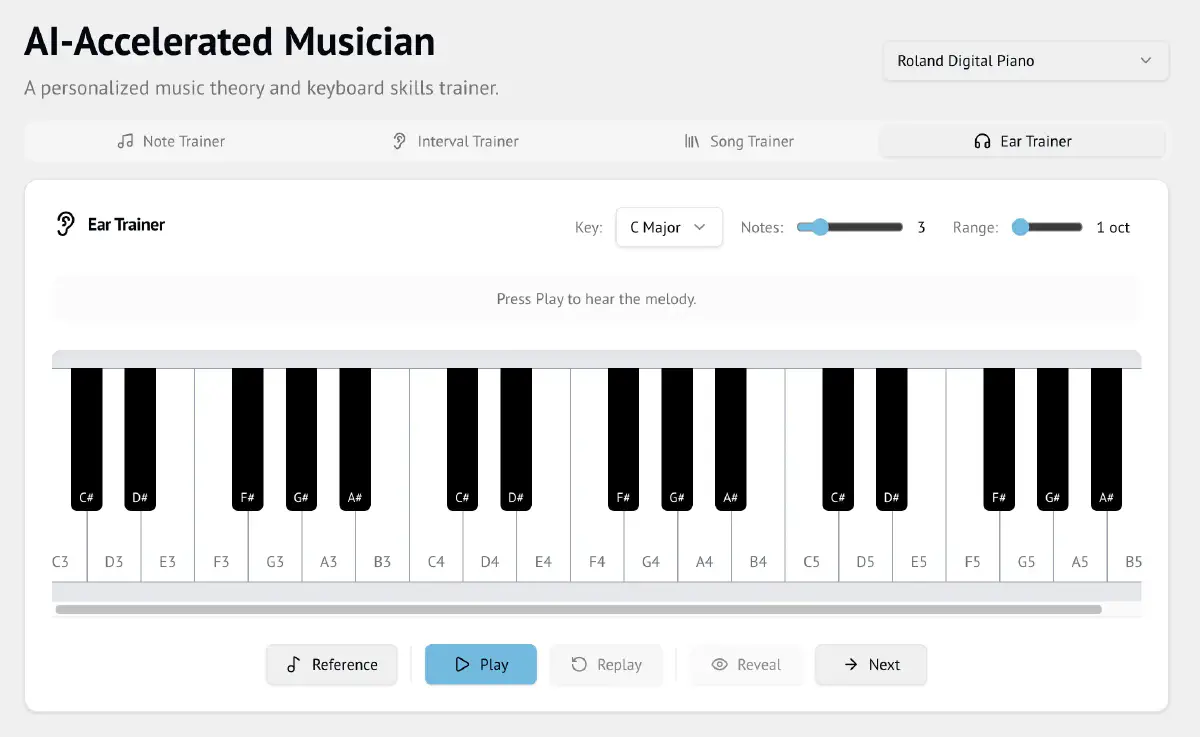
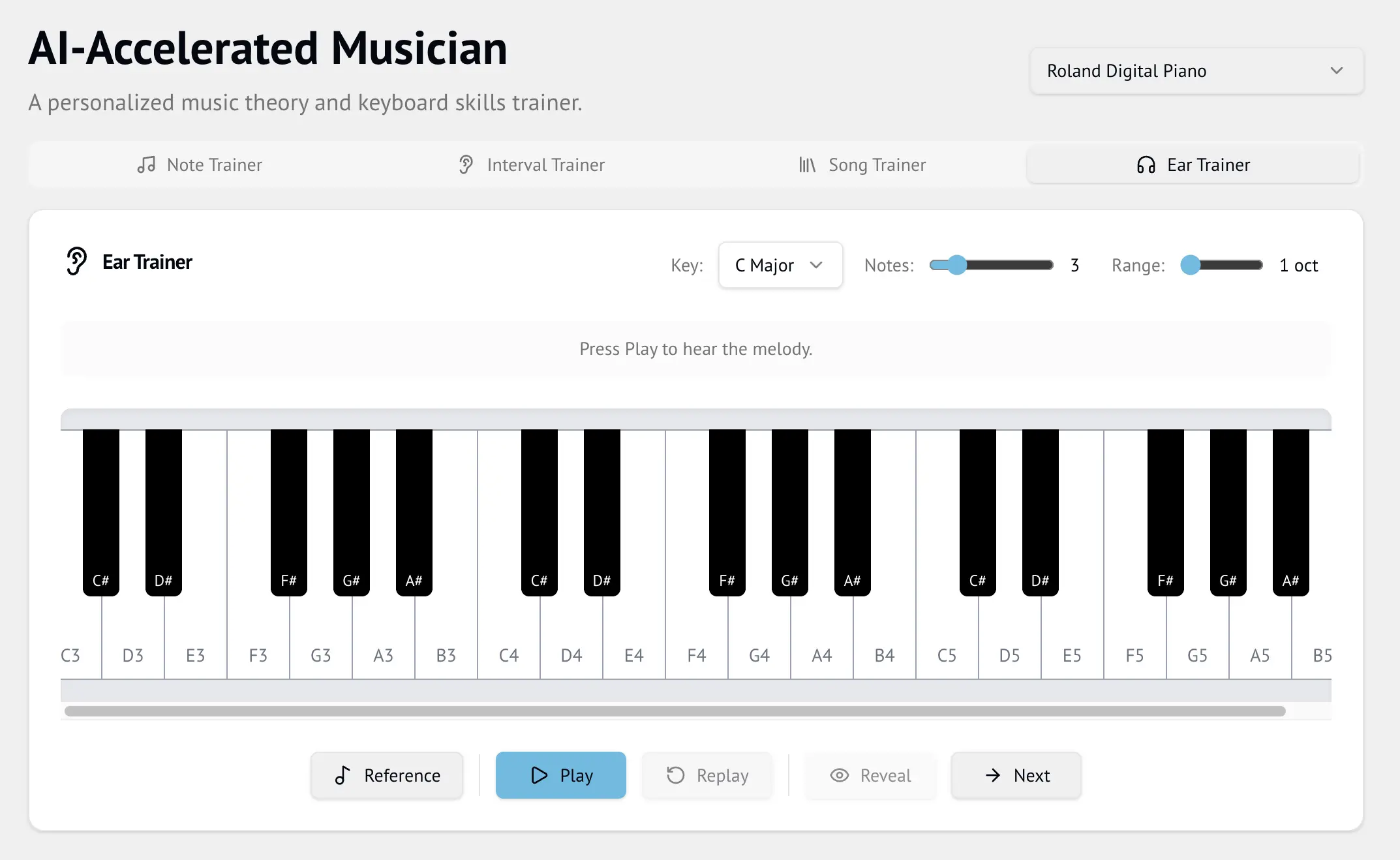
- Ear Trainer — A short diatonic melody plays; echo it back on your MIDI keyboard. Reveals the correct sequence note-by-note with green/red feedback. Adjustable key, melody length (2–8 notes), and range (1–2 octaves).
Technical Details#
Stack#
- Frontend: Vite + React + TypeScript + Tailwind CSS
- Audio: Tone.js with real Steinway piano samples (University of Iowa, public domain)
- Notation: VexFlow (staff rendering), OpenSheetMusicDisplay (MusicXML scores)
- MIDI: WebMidi API — detects connected keyboards automatically
Architecture#
All four trainers share a single Tone.Sampler instance loaded with 88 piano samples. This keeps audio latency low and avoids reloading samples between modes.
Challenges & Learnings#
- Scheduling MIDI and audio events precisely without drift
- Filtering treble vs. bass clef notes from MusicXML staff data
- Designing a responsive wait-for-me mode that actually waits
Results & Impact#
Practicing with real-time MIDI feedback and notation makes a noticeable difference. The Ear Trainer in particular forces active listening in a way passive tools don’t.
Future Plans#
- Stats tracking (streak, accuracy per trainer)
- More interval and ear training exercises
- Possible web deployment
Project Status: Active Development | View on GitHub